





Description
Summary of benefits

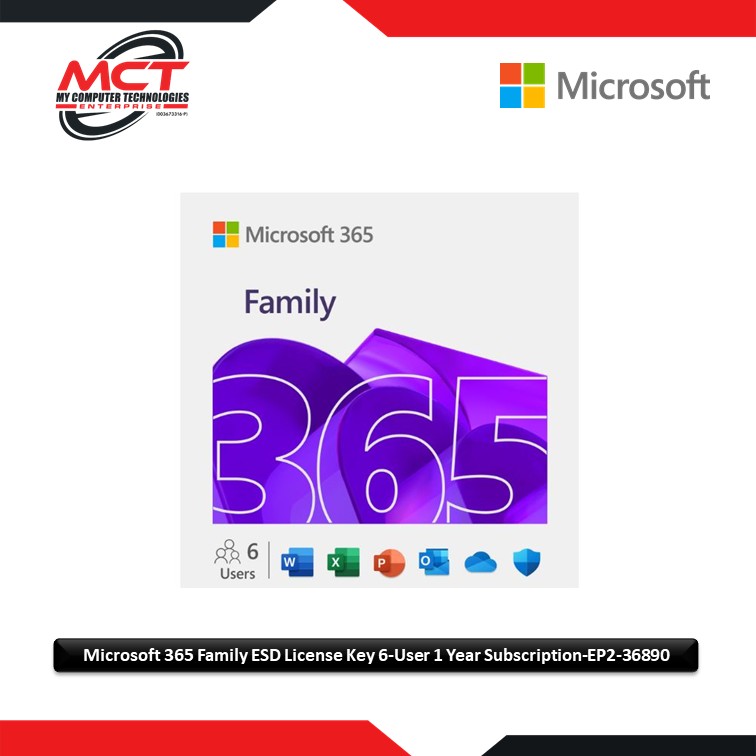
Powerful productivity apps with Microsoft Copilot
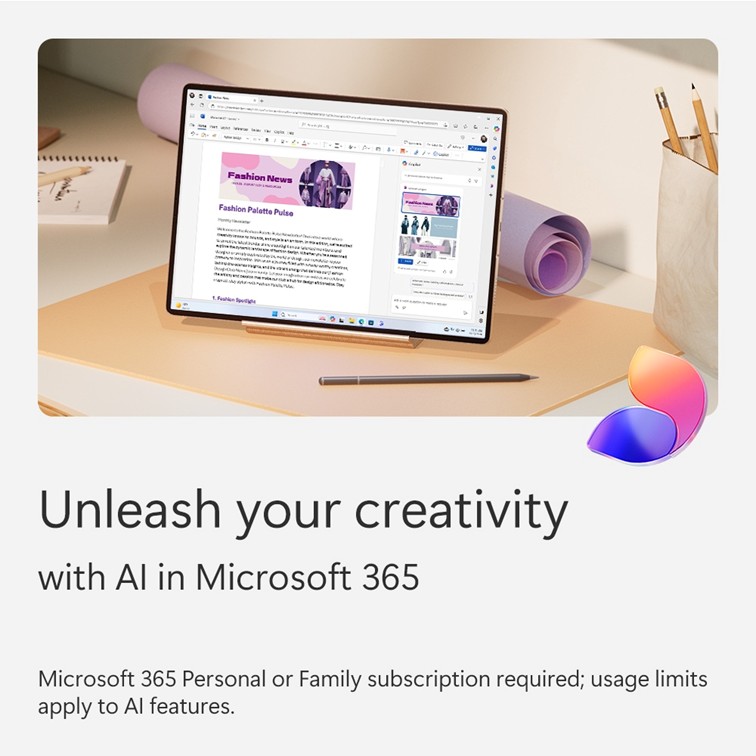
Redefine what’s possible with Microsoft CopilotFootnote1 alongside you in Word, Excel,Footnote3 PowerPoint and OneNote. Collaborate in real time, work offline and get design, writing and speaking suggestions in each app.

Higher usage limits for AI features
The subscription owner gets greater usage amounts for AI features available across Copilot in Microsoft 365 apps, the Microsoft Copilot app and Designer.Footnote1

Up to 6 TB of cloud storage (1 TB per person)
Each person you share the subscription with gets 1 TB (1,000 GB) of secure storage for their photos, files, videos, emails and more. And everyone can easily manage their storage at any time, on any device.

Personal data and device protection for the whole family
Protect your family’s phones and computers with Microsoft Defender. Continuous scanningFootnote4 checks for viruses, malicious apps and ransomware. If risks are found, Defender will notify you and provide easy-to-follow steps to help keep your devices secure.

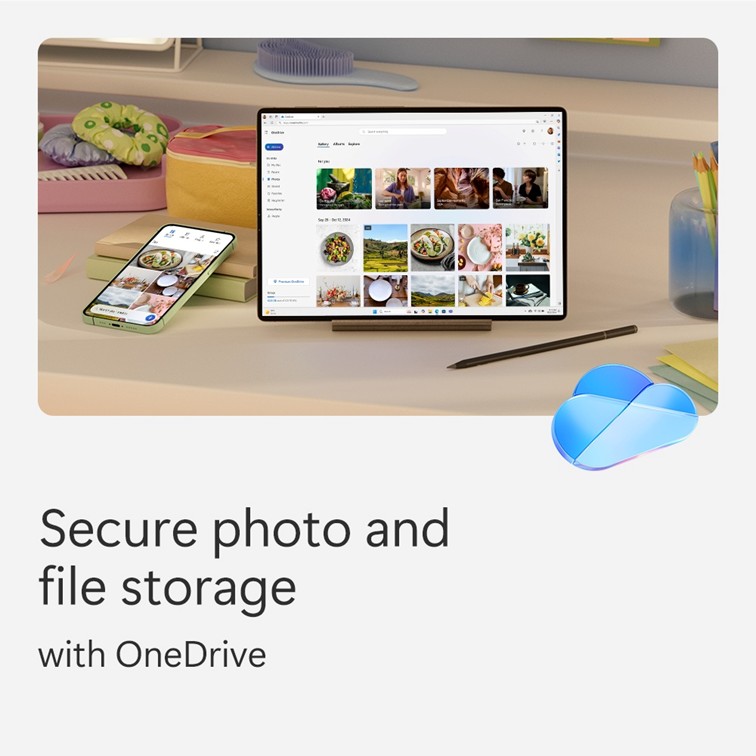
Secure photo and file storage
Each person can securely save their photos and files in their own personal OneDrive with built-in ransomware detection and file recovery.Footnote5 Access files across devices and protect what’s most important in individual Personal Vault folders secured with two-step identity verification.

Design and edit with AI
Create, design and edit where and when you need it with Microsoft Designer and the power of generative AI.Footnote1 Make eye-catching images using only your words, craft next-level designs that pop and even edit photos like an expert.

Video editor with exclusive filters and effects
Create and edit beautiful videos with ease using Clipchamp’s robust tools, intuitive controls, templatesFootnote6 and an extensive stock library.

Ad-free, secure email with Copilot
Everyone can easily manage their own email accounts and calendars in Outlook with built-in security toolsFootnote2 that keep their information protected. Subscription owners can use Copilot to draft emails and summarise longer threads.Footnote1,7

Unlock AI-powered experiences in selected Windows apps
Boost your creativity with the help of AI. Easily enhance your photos with advanced editing capabilities from Designer in the Photos app and create high-quality images using only your words in Paint. You can also use Copilot in Notepad to seamlessly rewrite or summarise text for you.Footnote1

All-day video calling
Join group calls and talk for up to 30 hours with up to 300 people with Microsoft Teams.

Quickly create forms and polls
Use CopilotFootnote1 in Forms to generate and rewrite polls and surveys. Easily create and refine your questions, improve response options and get a detailed analysis of results.

Access (PC only)
Easily create and manage databases for projects large or small.

Applications are always up to date
With a Microsoft 365 Family subscription, every person gets innovative new features and updates as soon as they are released, so everyone is always working with the latest and the greatest.

Microsoft support
We’ve got your back with Microsoft 365 and Windows 11 technical support readily available to assist whenever you and your family need help.


Reviews
There are no reviews yet.